The platform

From the map to the rack, on one database

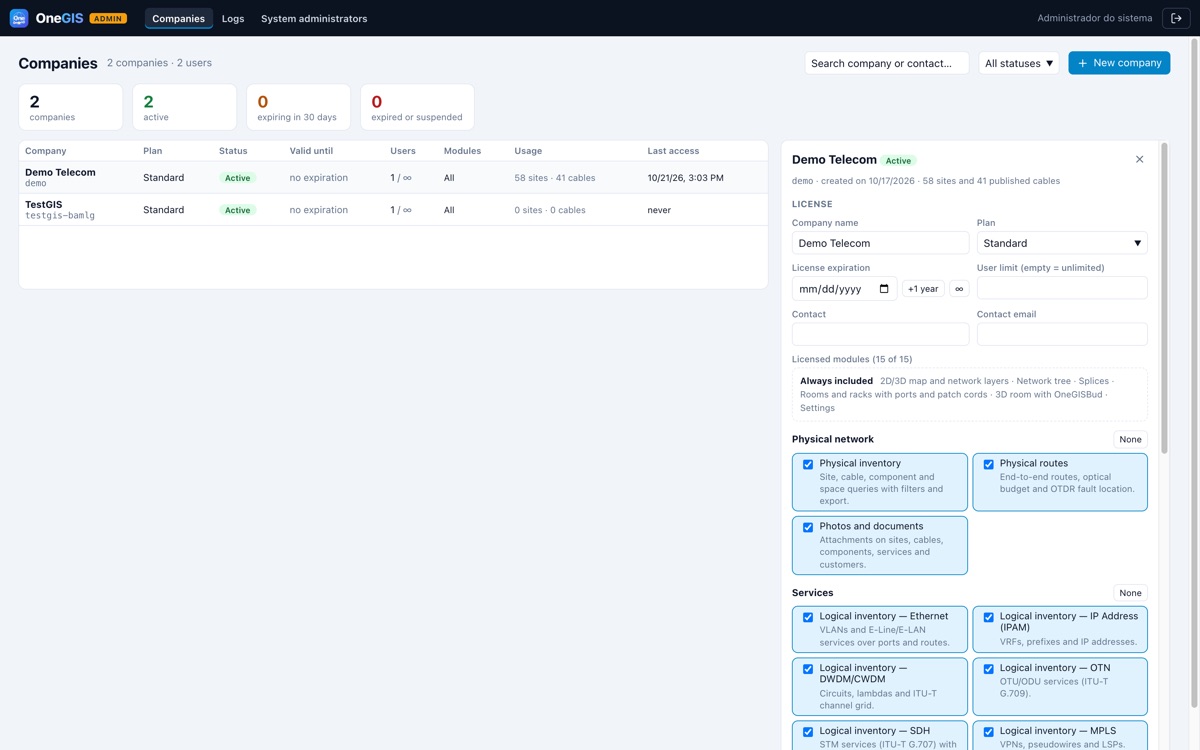
OneGIS brings together what is usually scattered across spreadsheets, drawings and GIS tools: the network on the map, the splices, the technical rooms and the services running over each fiber.

Network on the map

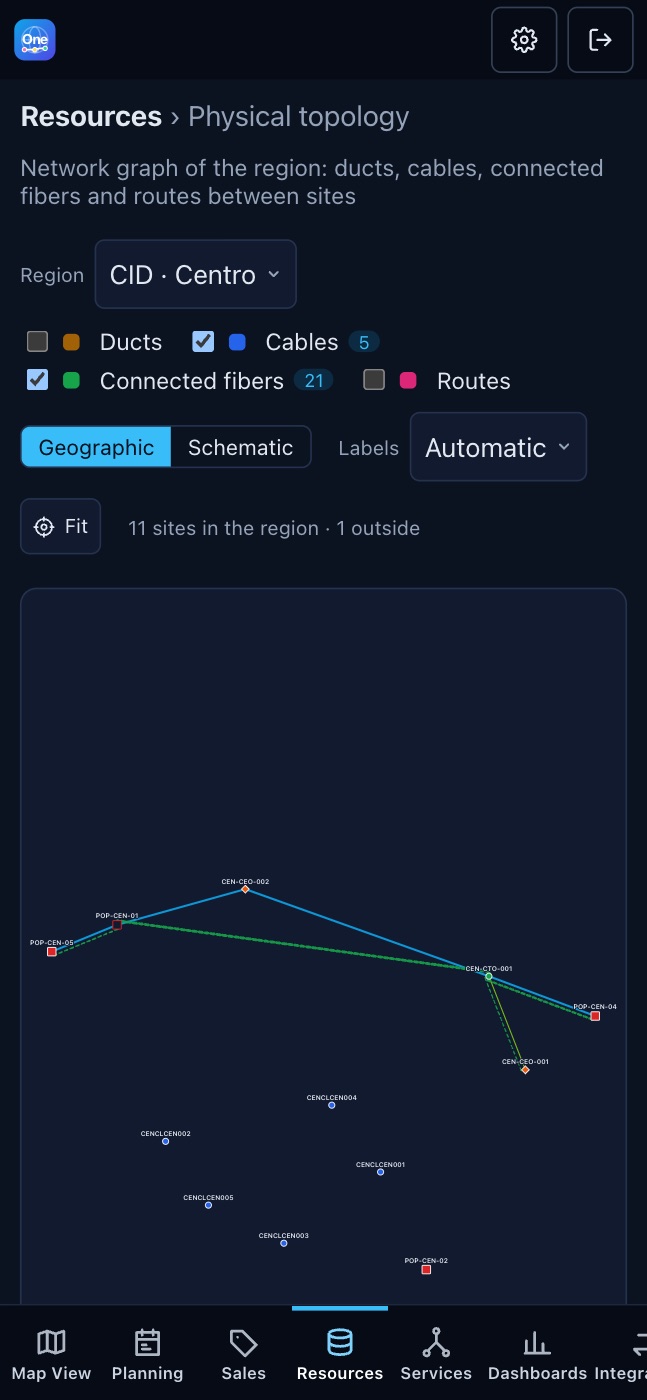
Sites, cables and ducts on ArcGIS maps in 2D and 3D, with layers, smart labels and KMZ import.

Splices and fibers

Splice diagram per site, splice plans, end-to-end fiber tracing and optical budget.

Rooms, racks and 3D

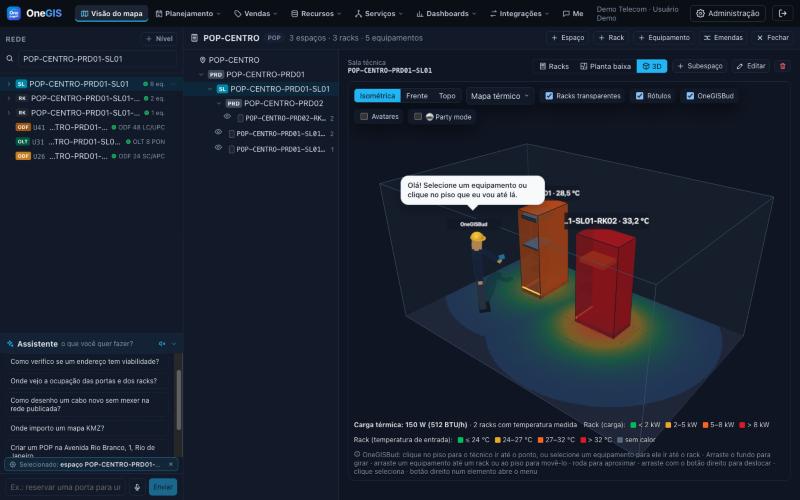
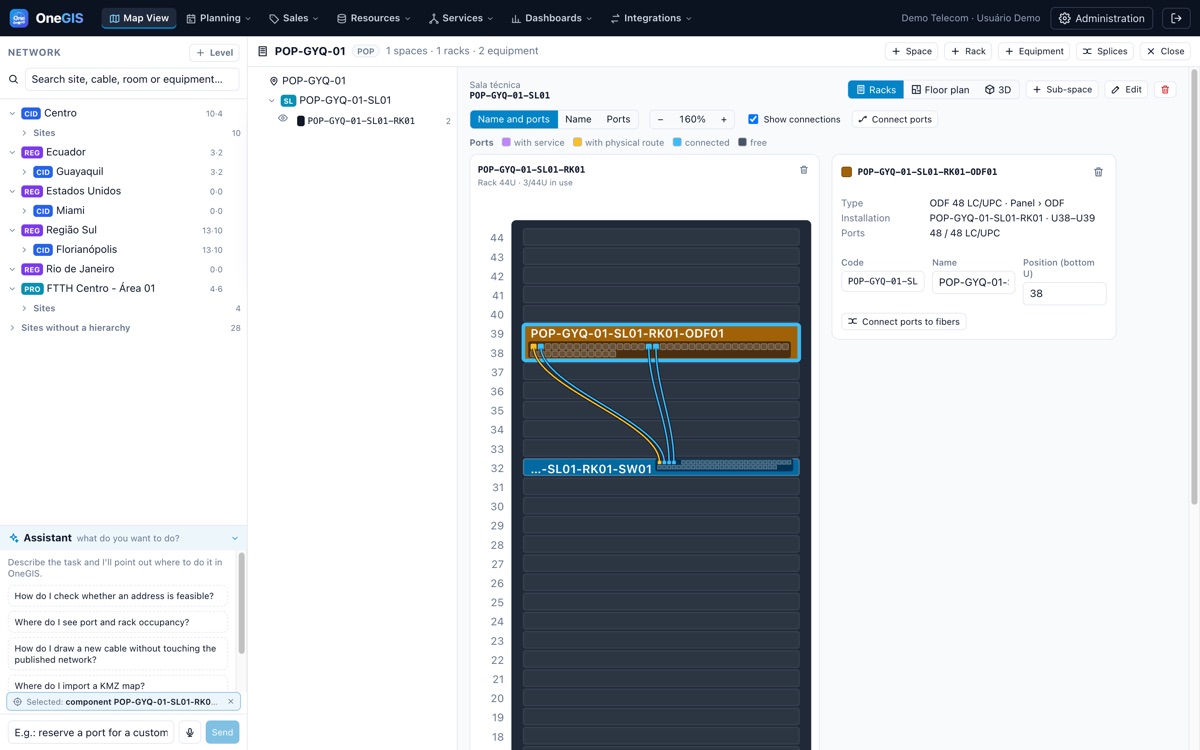
Floor plan, racks with ports and patch cords, and the room’s 3D digital twin with a thermal map.

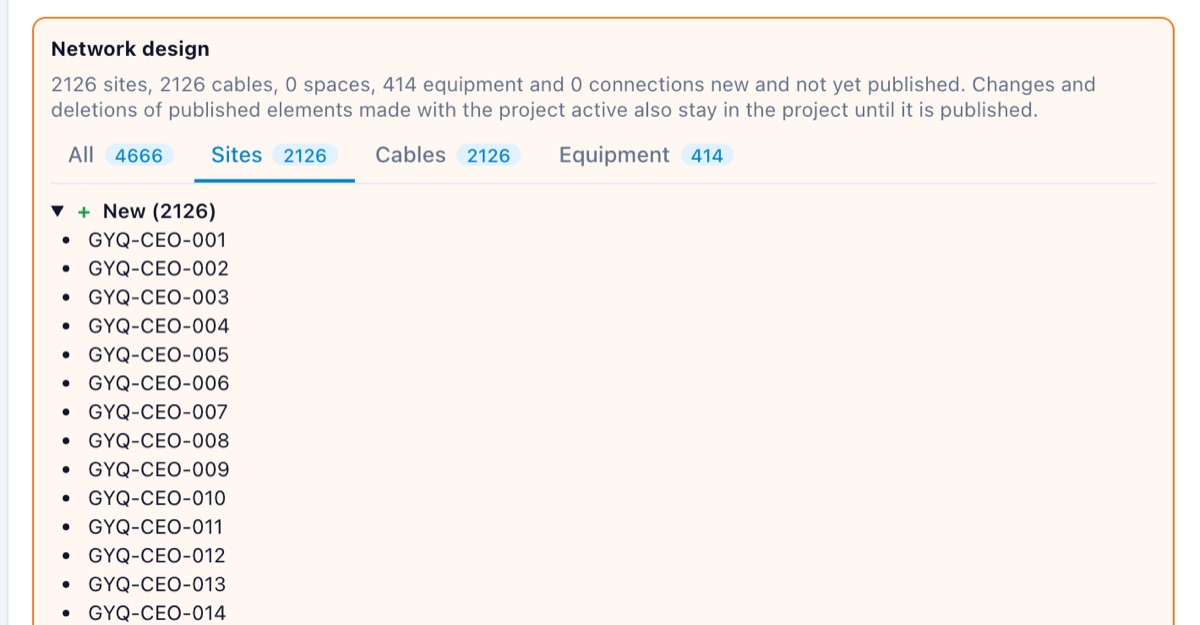
Versioned projects

Design without touching the published network, compare, approve and publish as-built.

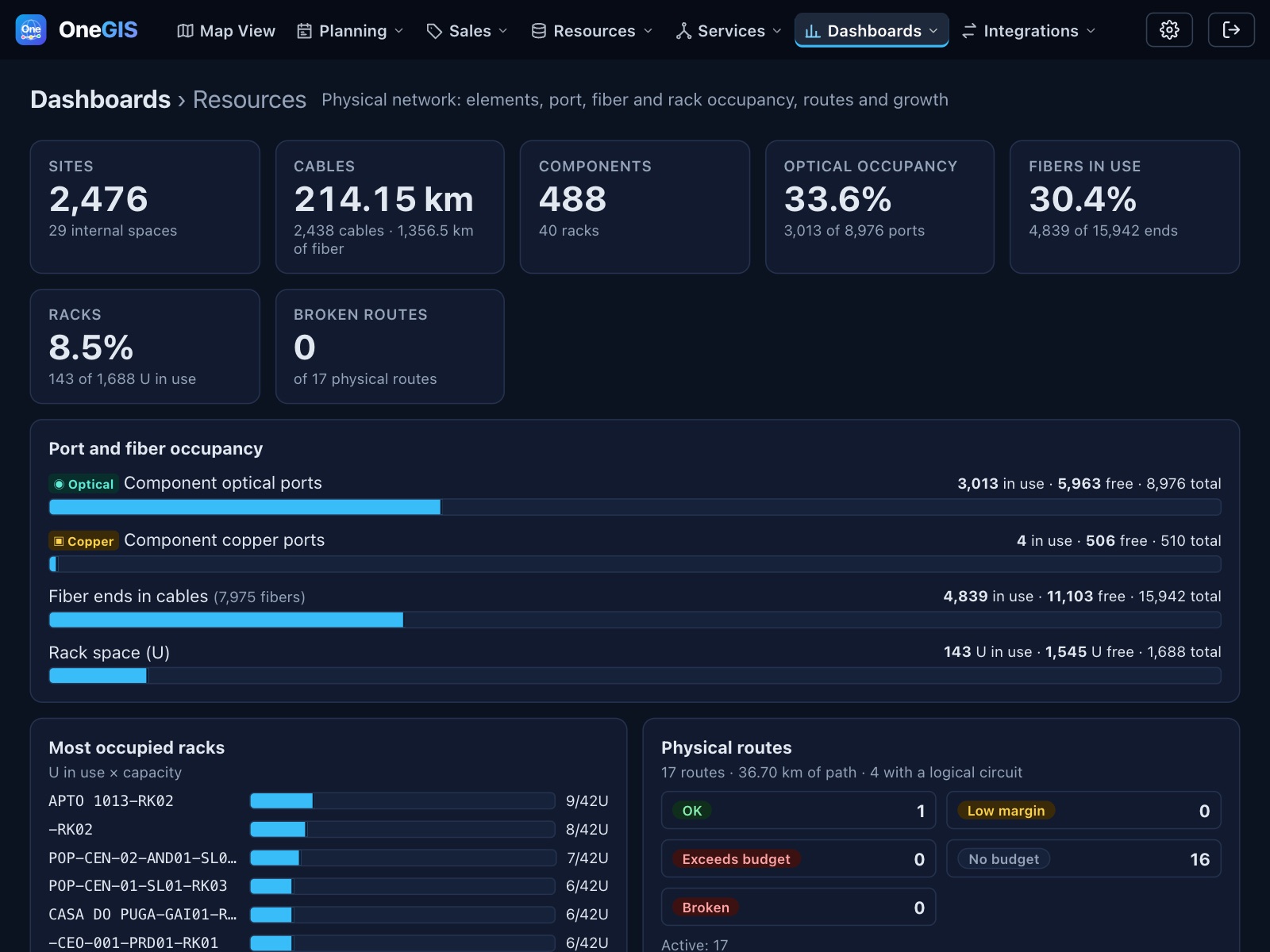
Racks with ports and patch cords: occupancy, physical routes and connections in real time.

Highlights

Features that change the daily work

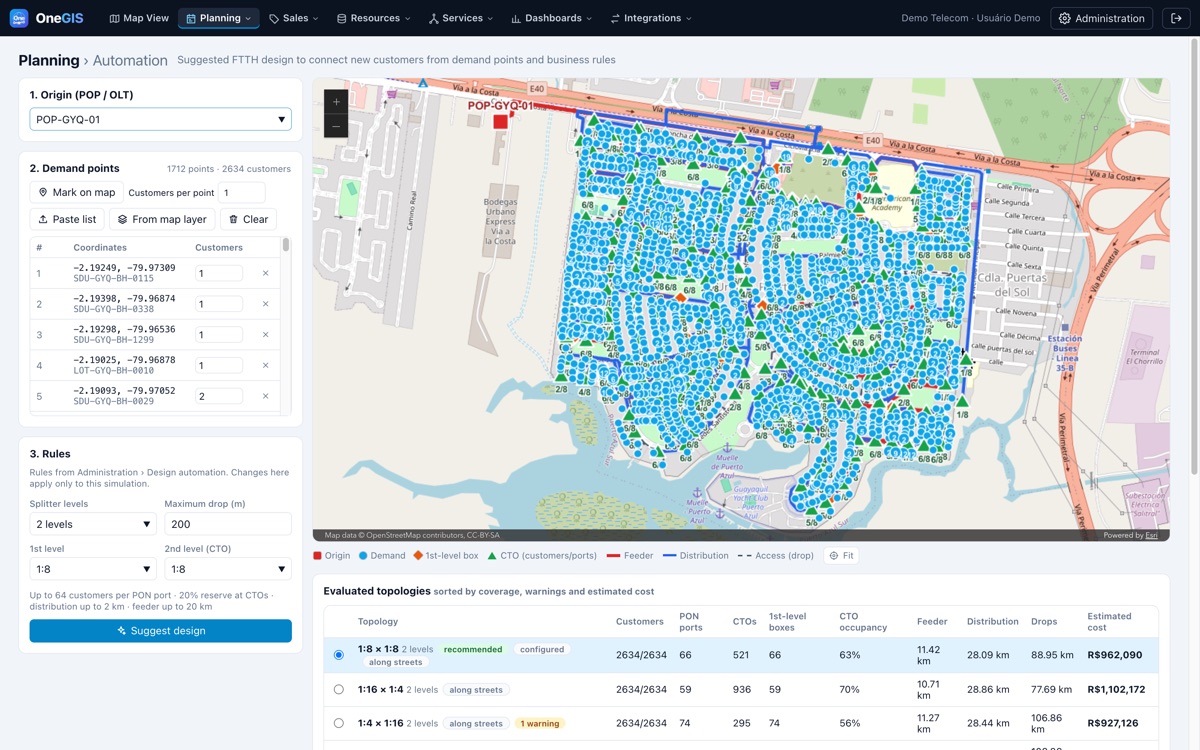
FTTH design automation

Planning

FTTH design automation

From the demand points, OneGIS suggests the network along the streets: boxes, splitters, cables and costs, comparing several topologies.

  • Configurable splitter, spare and distance rules
  • Estimated cost per topology
  • Publishes the project with the fibers already spliced
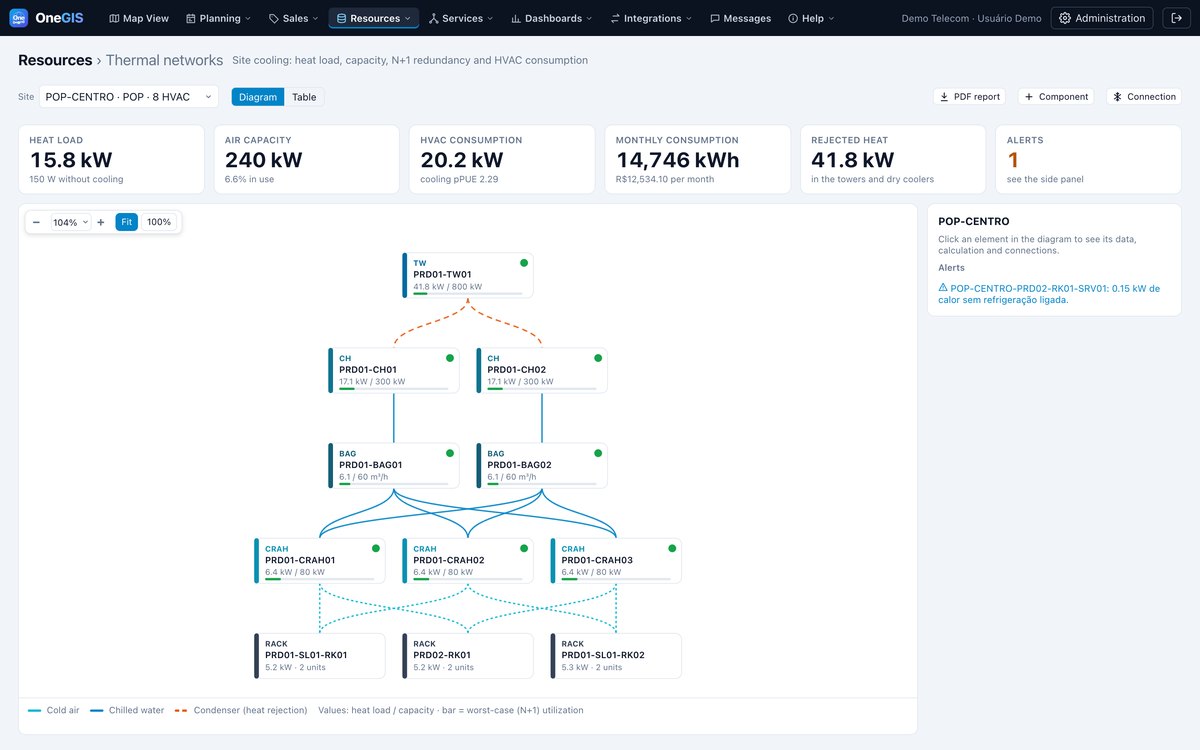
Power and cooling networks

Site infrastructure

Power and cooling networks

Power and cooling modeled like the fiber: from utility and generator to each rack on feeds A and B, and from chillers to CRAH units.

  • Load, capacity, runtime and PUE
  • N+1 redundancy and alerts for racks with no feed or cooling
  • One-line diagram and PDF report
Multi-technology logical inventory

Services

Multi-technology logical inventory

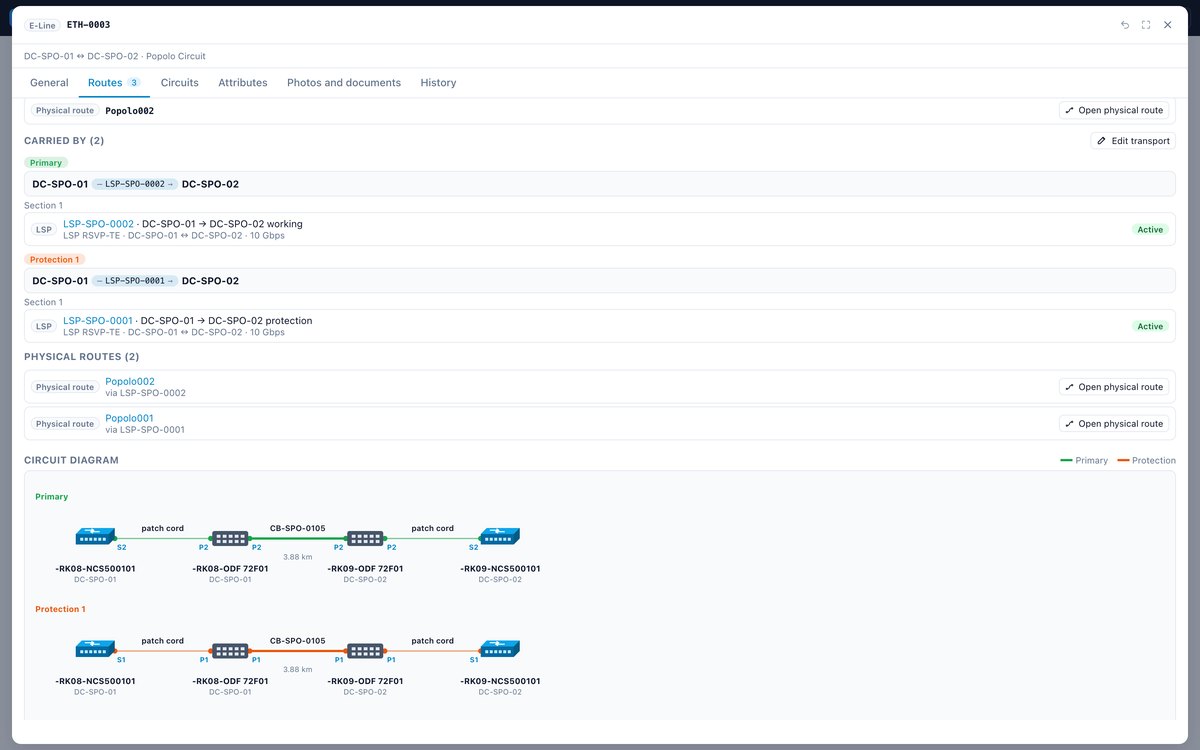
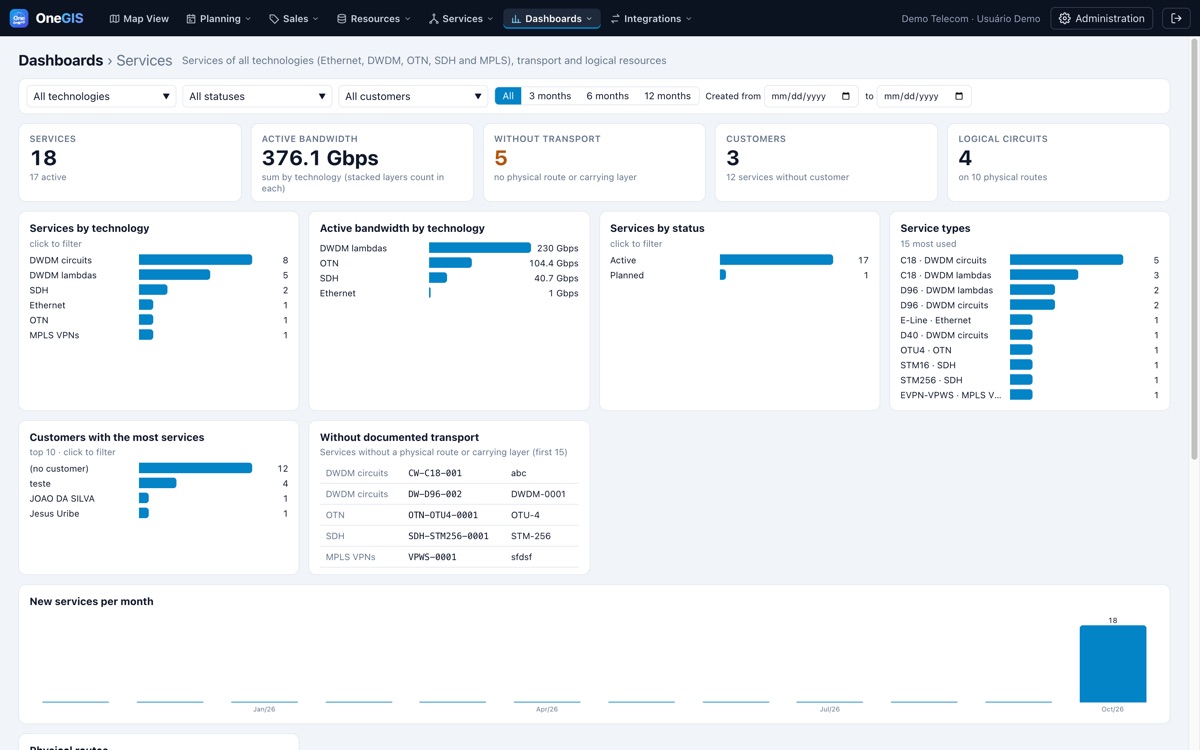
Ethernet, IP (IPAM), DWDM/CWDM, OTN, SDH, MPLS and PON over the same ports and physical routes, with linked transport layers.

  • Logical topology by region and technology
  • Failure impact: which services run over this fiber
  • Circuit diagram with main and protection paths

More of OneGIS

See all modules →

See OneGIS with your own network

Book a demo and import a section of your network to try it.