Meet OneGISBud
The virtual technician who works with your team
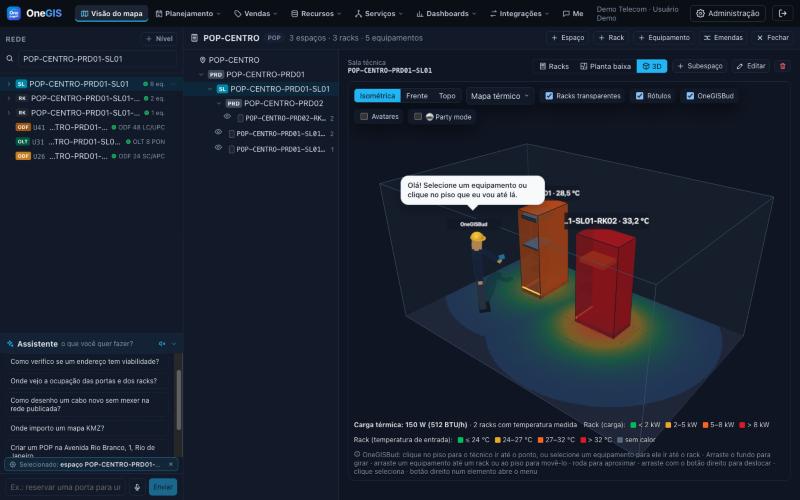
OneGISBud is the OneGIS character. He welcomes each user, shows where to start and lives in the 3D rooms, where he walks to the equipment you select.
In the 3D room
Select a rack and OneGISBud walks over
A data center room like the one in OneGIS: two rows of racks with a cold aisle and cooling units. Click or tap a rack to watch the technician walk to it, avoiding the equipment.
Click a rack · drag to rotate · scroll to zoom
Walks to the equipment
Select a rack or device in the 3D room and OneGISBud walks to it, avoiding the racks, and stops facing the equipment.
Comments on what he finds
On arrival he tells you how many components the rack has and how much space is left, and confirms moves and installations in speech bubbles.
Thermal map and power
In the same room, the thermal map shows the hot spots, and each rack shows its power load and A and B feeds.
AI Assistant
Ask by text or voice: it points to where to do it and prepares the action for you to confirm.
Also in the 3D rooms
- Welcome tourOn first access, he explains the hierarchy, the menus, administration and the assistant.
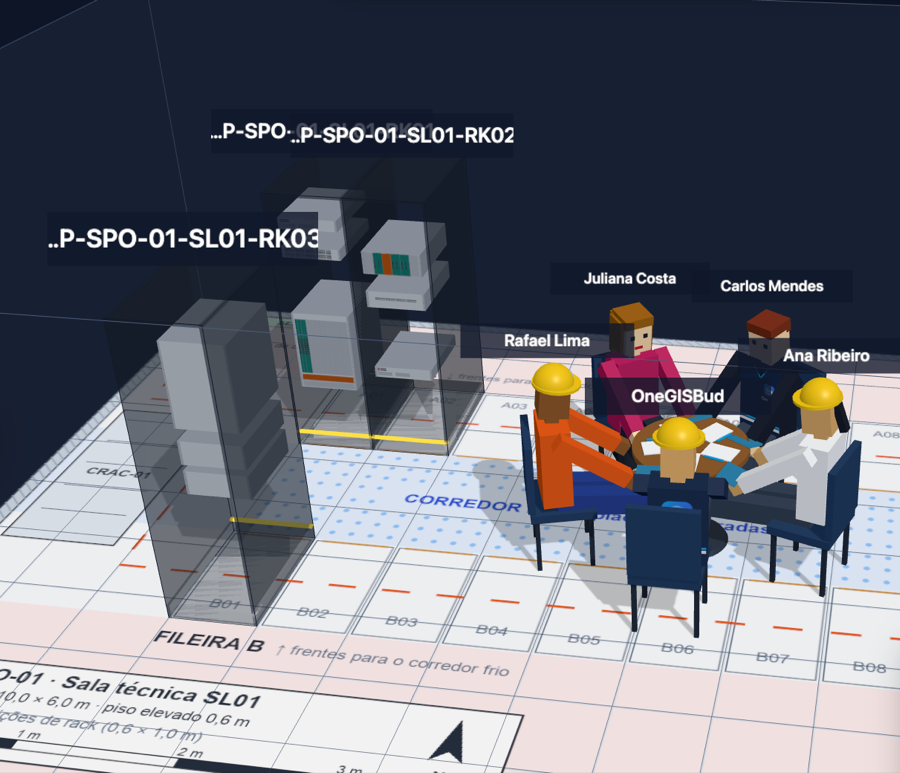
- Team avatarsEach user picks an avatar and appears with their name in the 3D rooms.
- Events and meetingsSchedules meetings and parties, sends invitations and gathers the team at the table, with speech bubbles.
See OneGIS with your own network
Book a demo and import a section of your network to try it.